
Improved hand function. Shown in a clinical study.
In a randomized trial of 45 children with cerebral palsy, an eight-week home-based program improved manual dexterity and palmar pinch strength. Published in Disability and Rehabilitation.
Read the study on PubMed (opens in a new tab)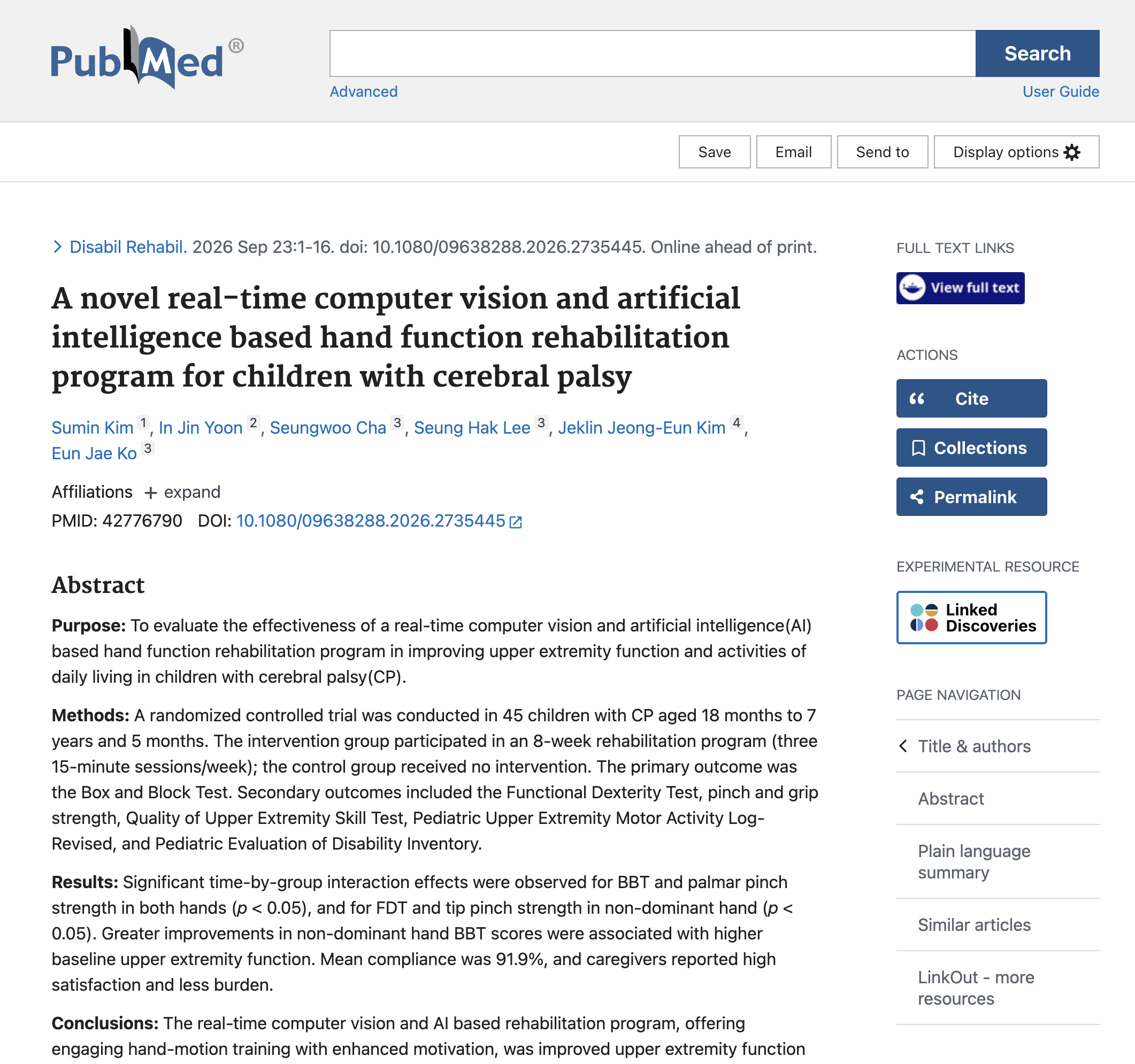
See GemGem in action
Hand movement. A game that responds.
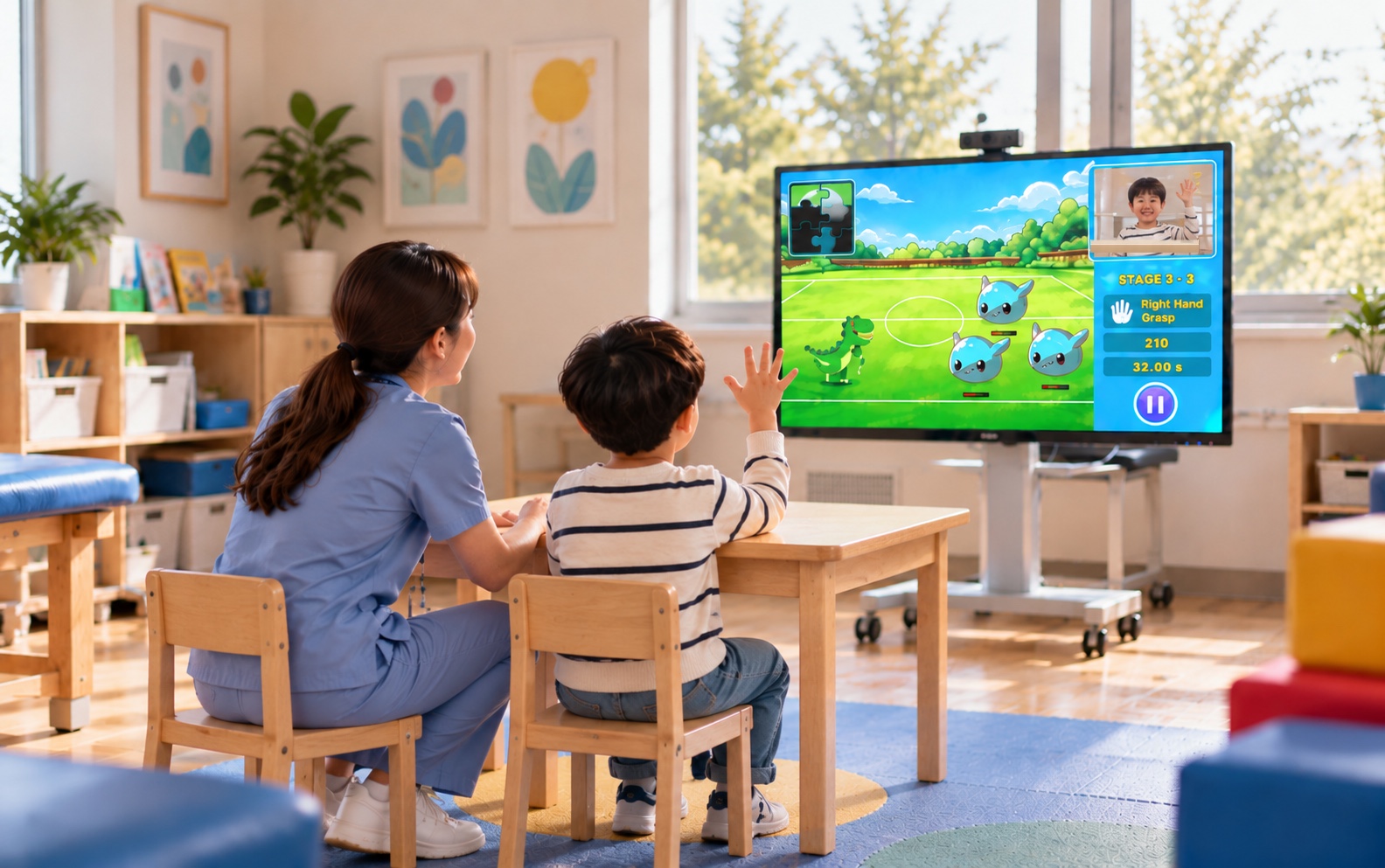
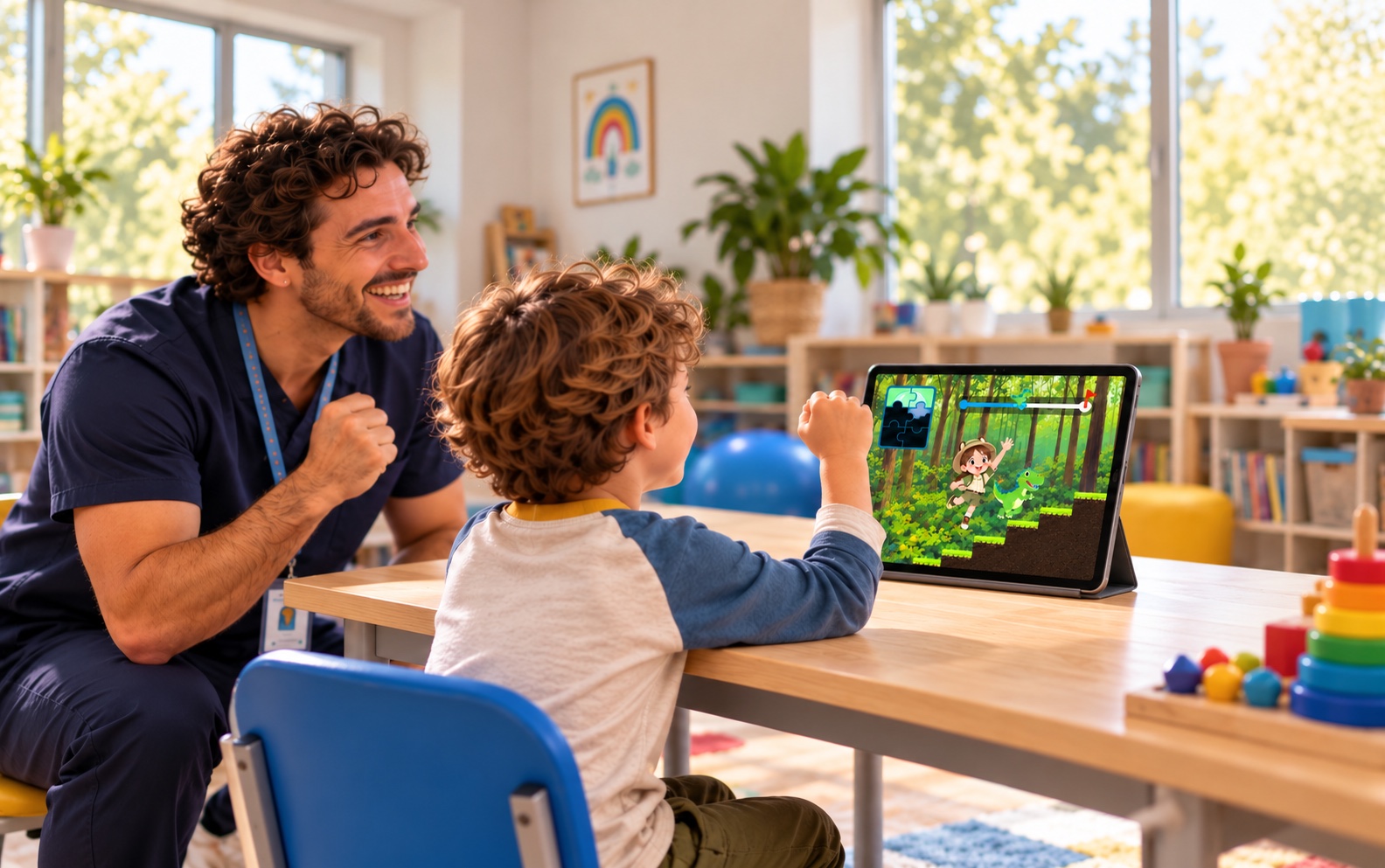
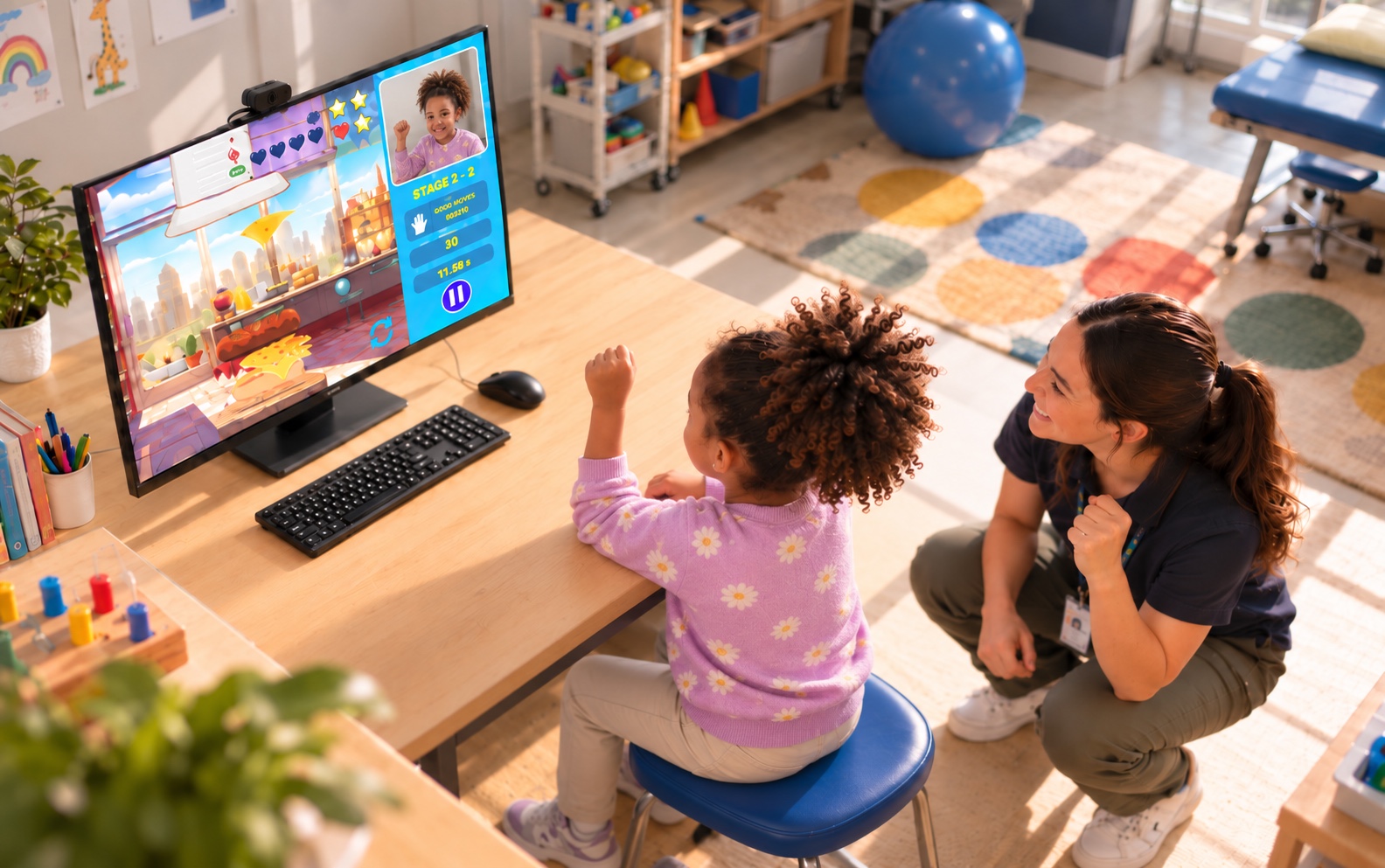
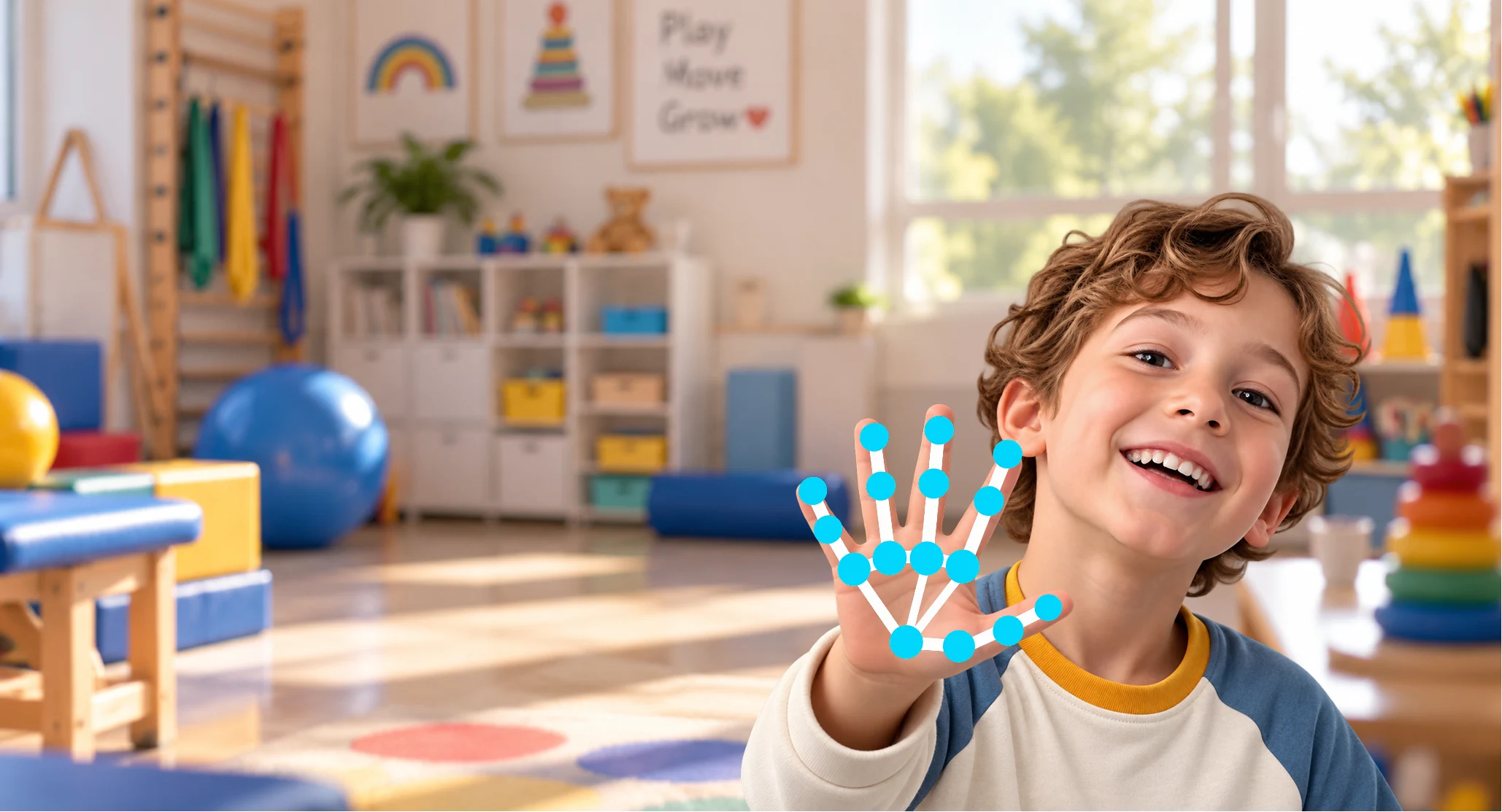
A short, therapist-led activity for seated hand practice. Choose a movement, model it, and let the child see the game respond.
See the movement and the response.
The child practises the selected movement while the therapist guides the activity. On-screen feedback helps you see how the game responds; it is not a clinical assessment.
You stay in control.
Choose the movement, hand, and recognition level. Pause, adjust, or switch activities as the child’s response changes.
Clinical workflow
Could this work in your CP sessions?
Start with the child’s movement and today’s goal. Here’s how an activity can fit into the session you already run.
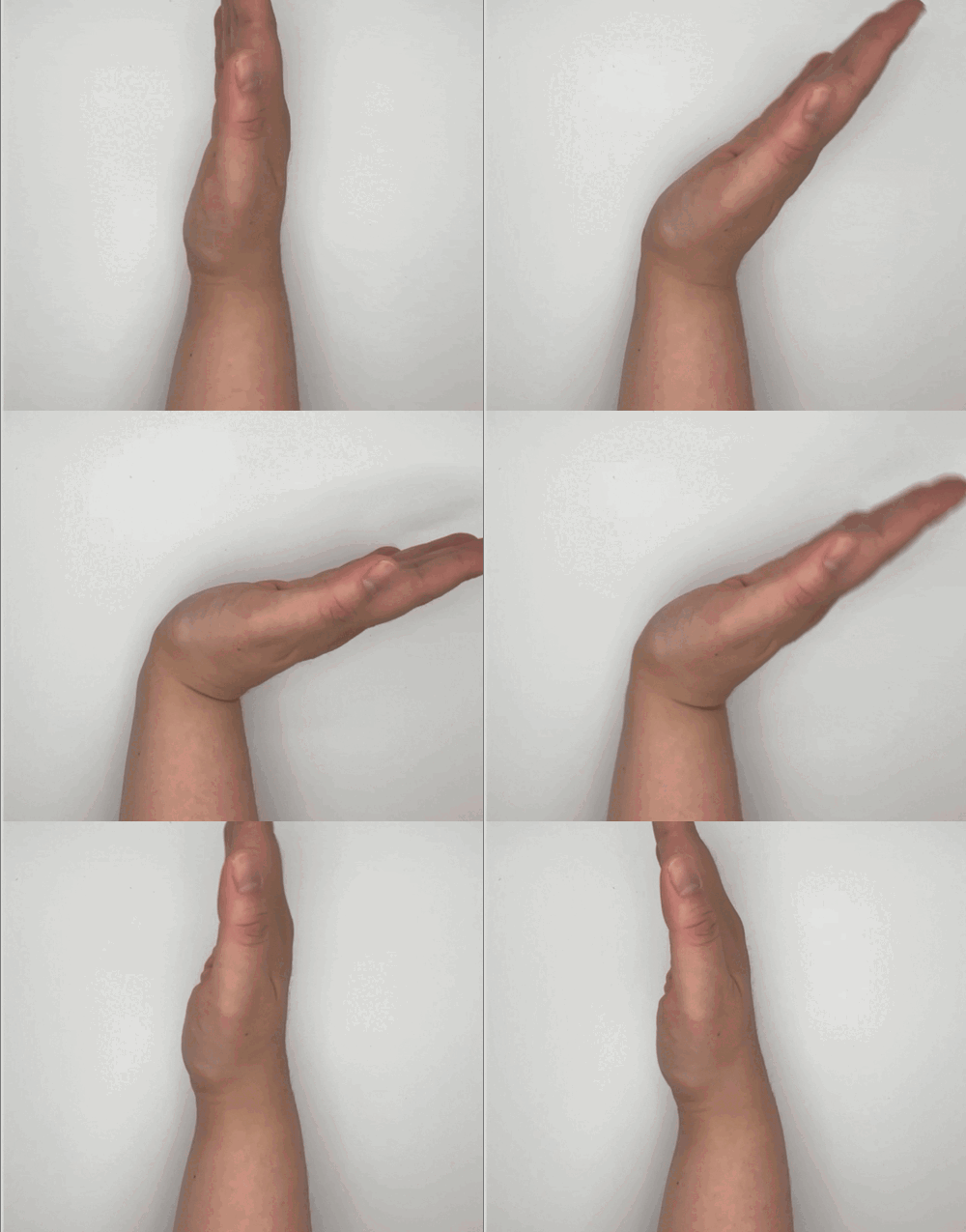
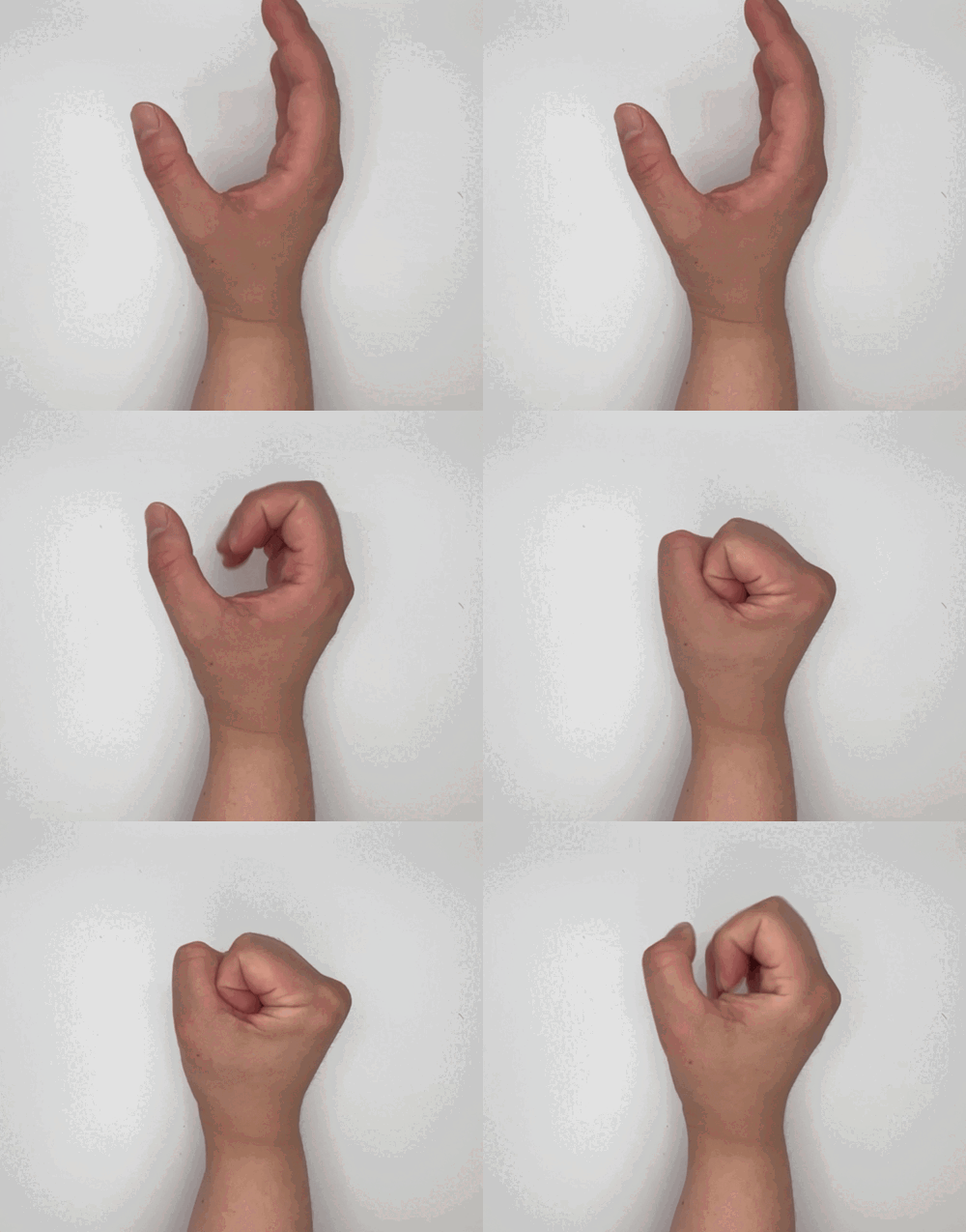
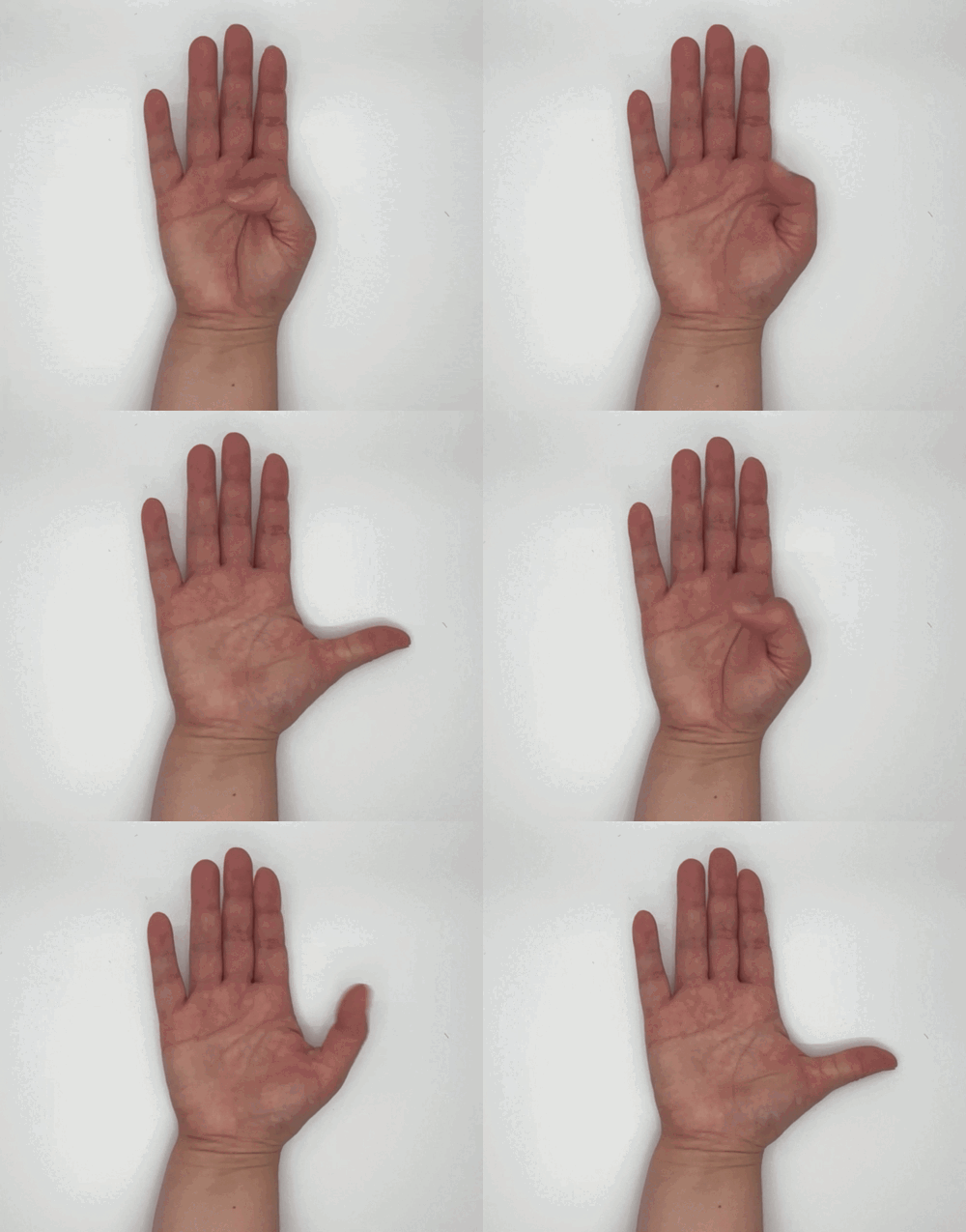
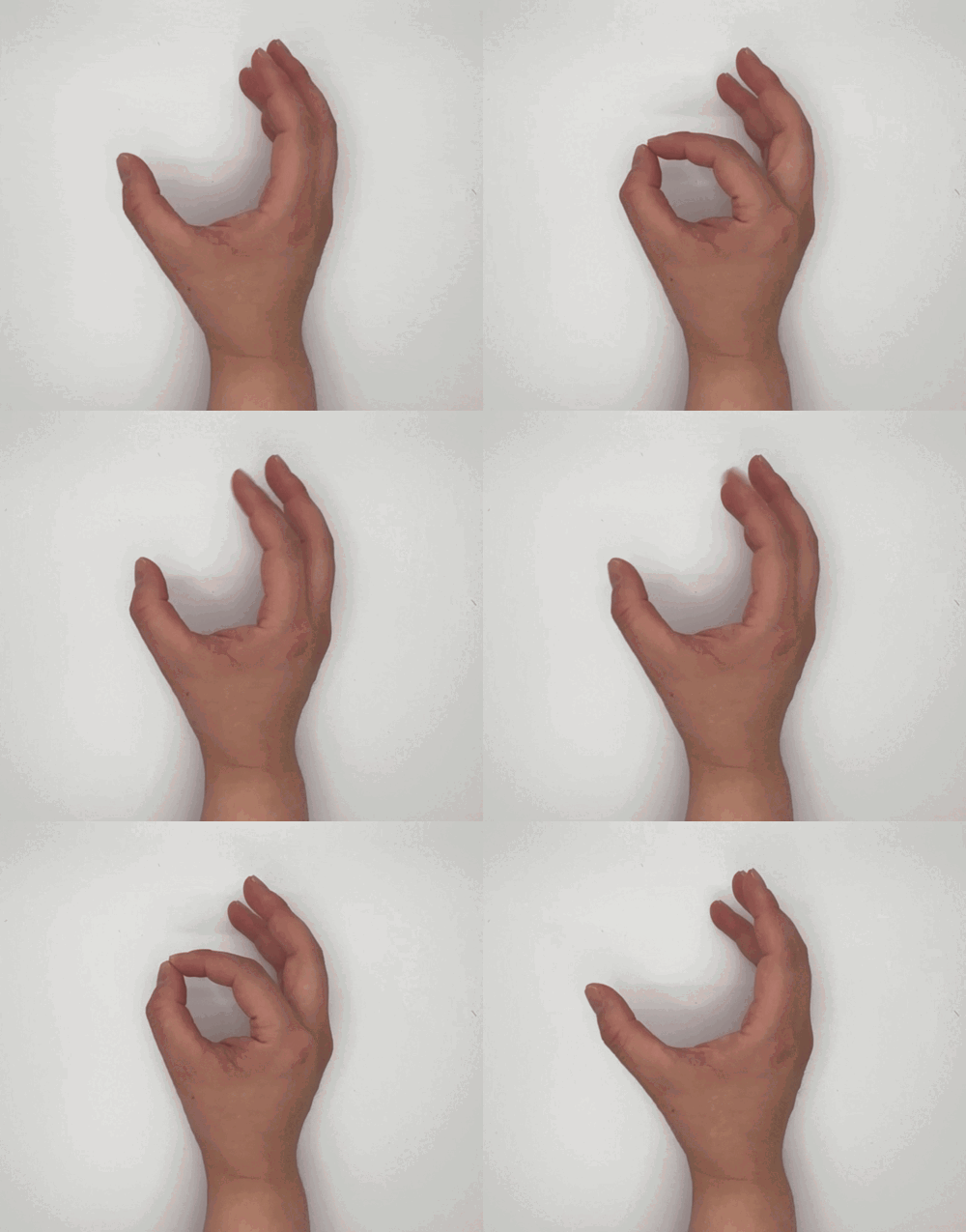
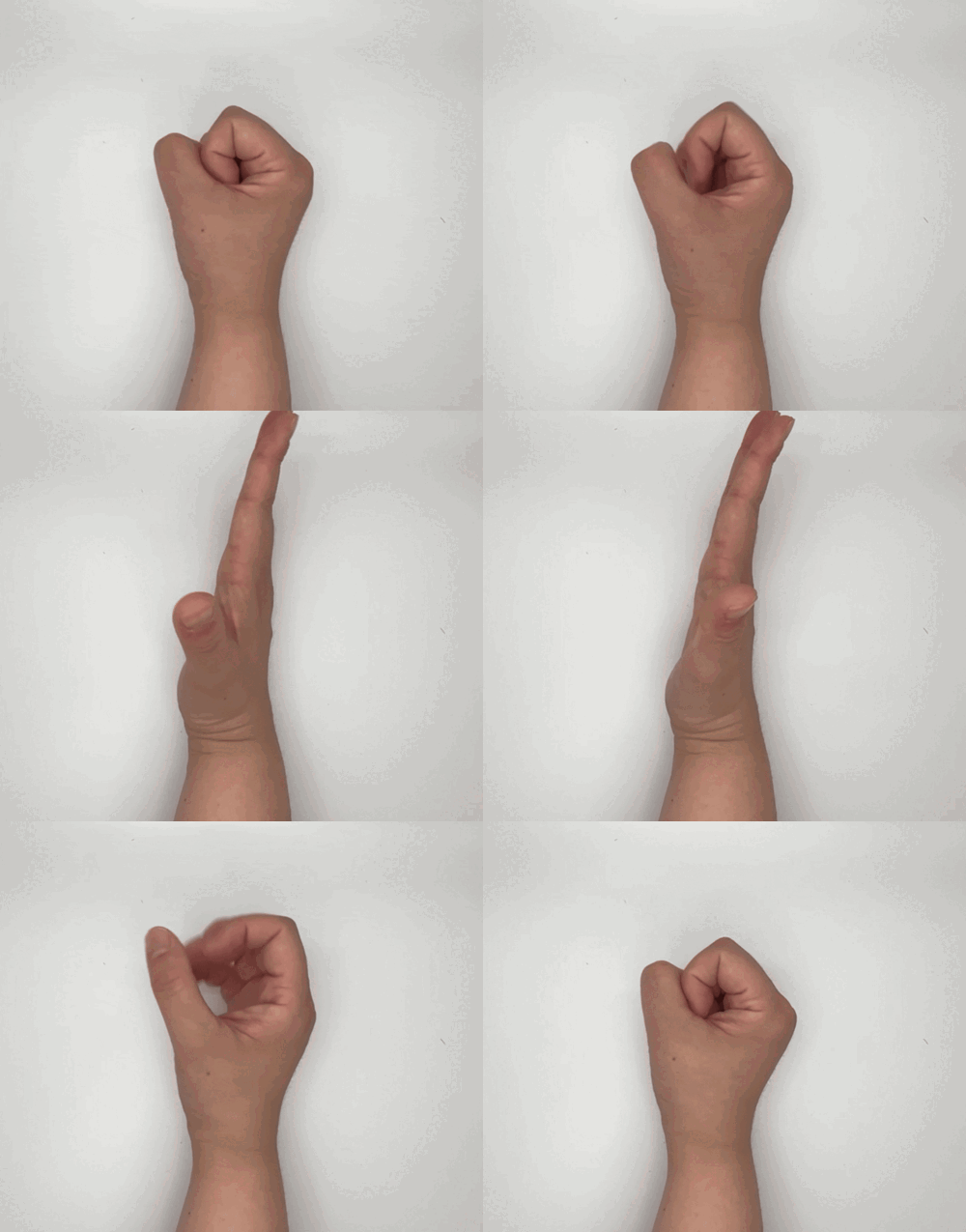
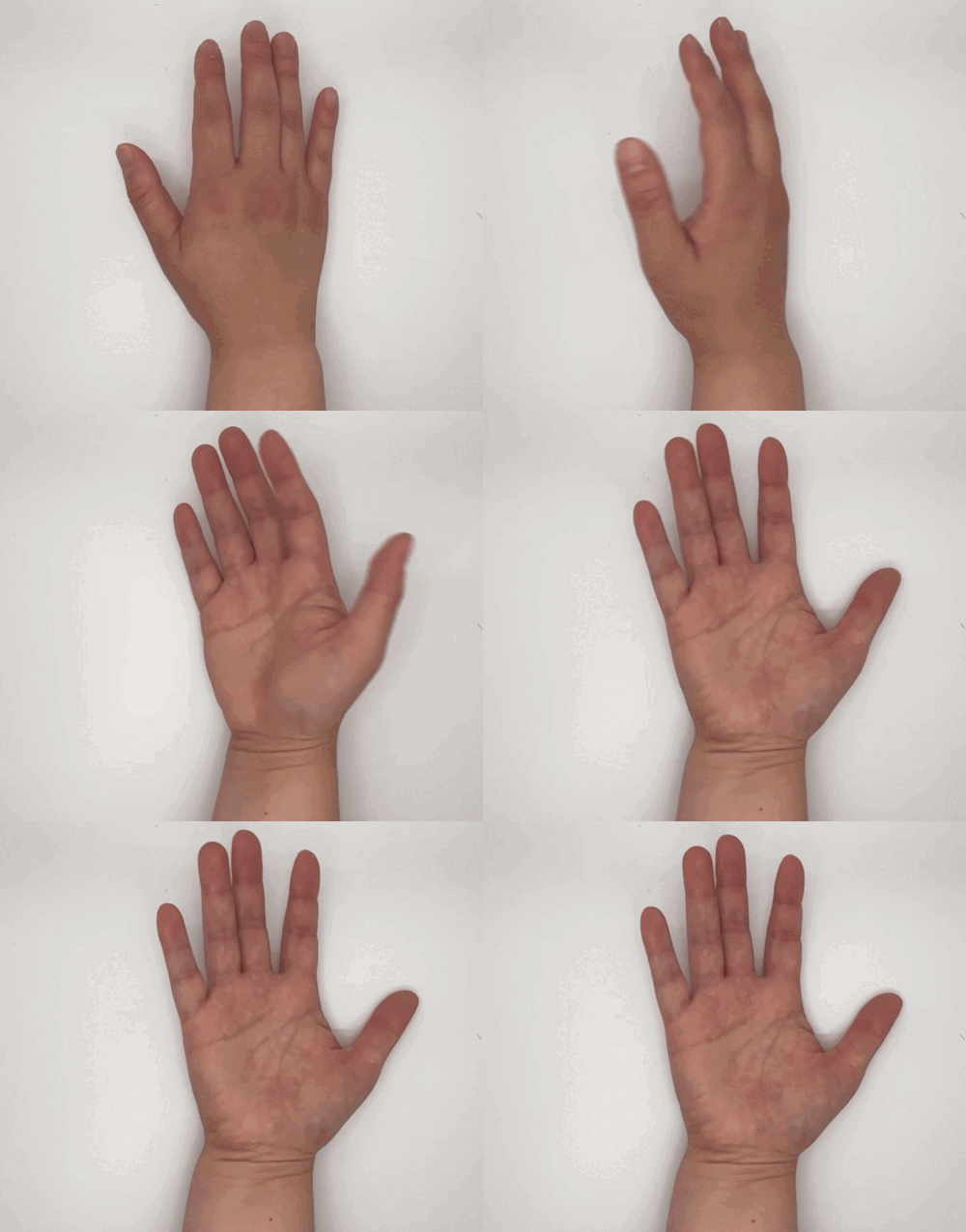
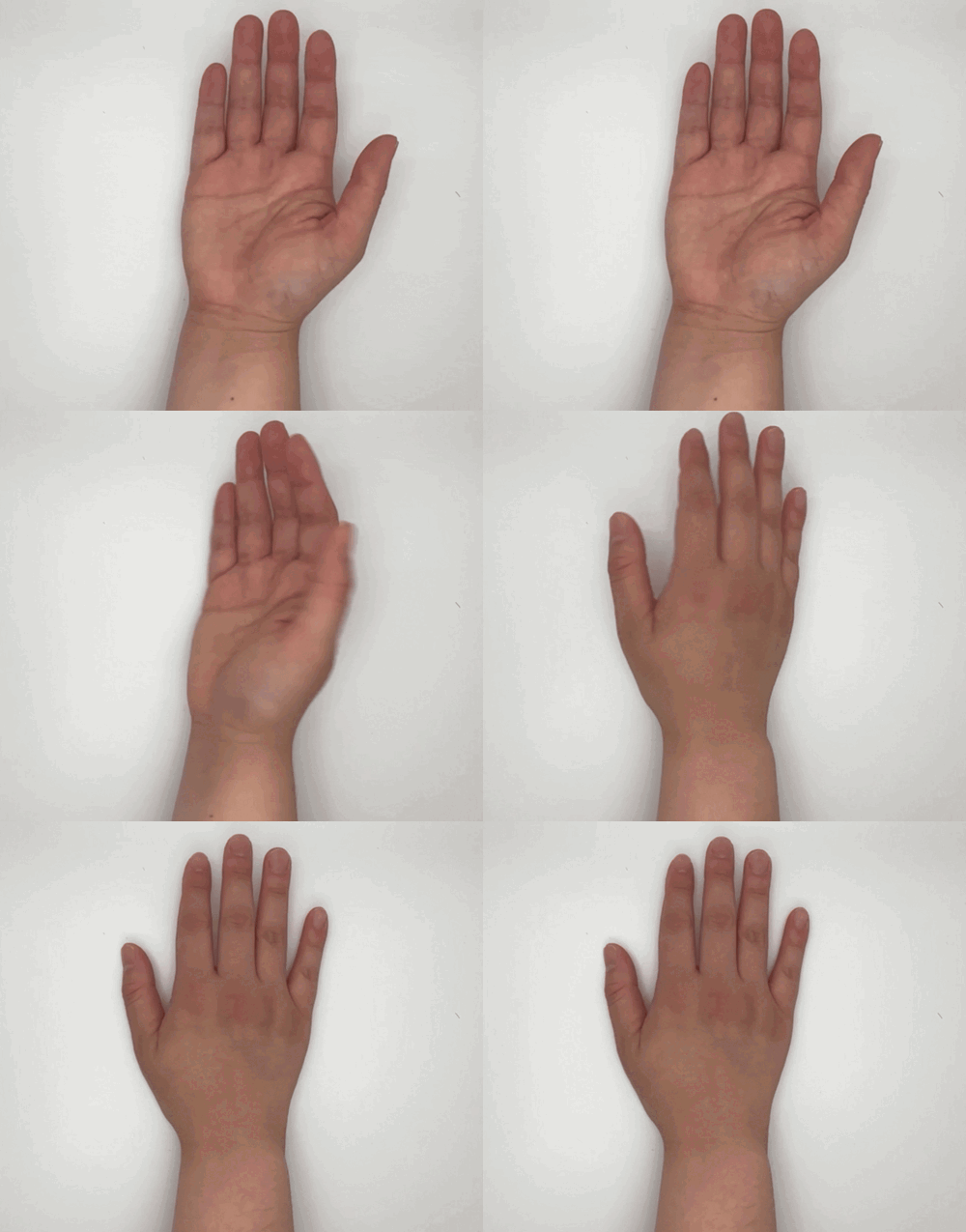
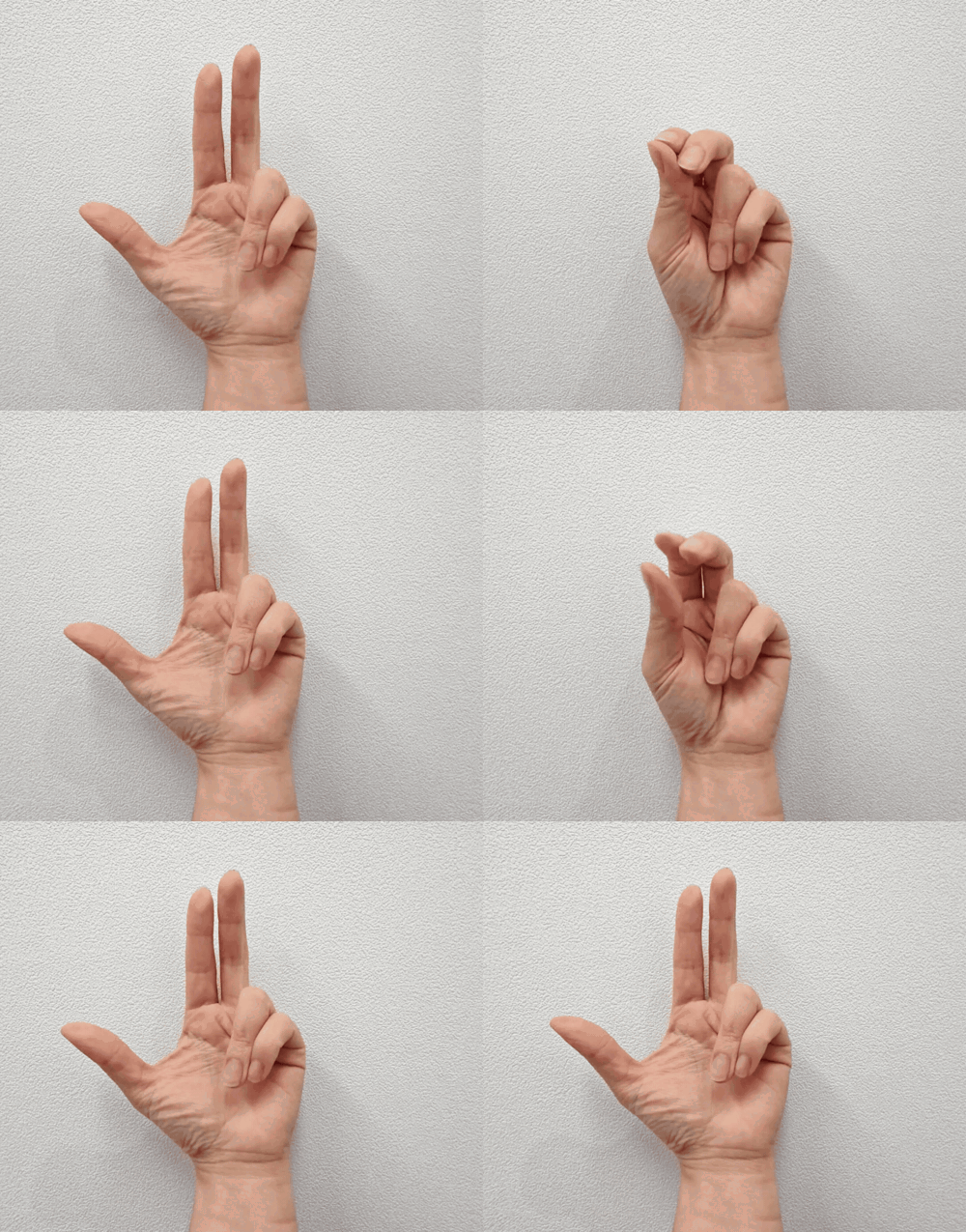
Open hand + lift the wrist
Choose the movement. Guide the practice.
Eight hand movements, with left-hand, right-hand, or bilateral settings. Check the camera response, then adjust the recognition level for the activity.
Use it as a starting activity or between activities. You decide when to pause or move on.
Choose
Choose a movement that fits today’s goal and the child in front of you. Choose from eight hand movements, select the left, right, or both hands, and set the recognition level for the activity.
Model
Model the movement for the child. With the child seated at a table, position the hand in the camera view and check how the game responds before starting.
Play
Play together. The child’s hand movement changes the game. Guide the practice and offer cues as needed, while watching the child’s movement and response.
Move on
Decide what comes next based on the child’s response. Adjust the settings, switch to another movement, take a break, or move to the next activity you had planned. You set the pace.
Hand-practice data
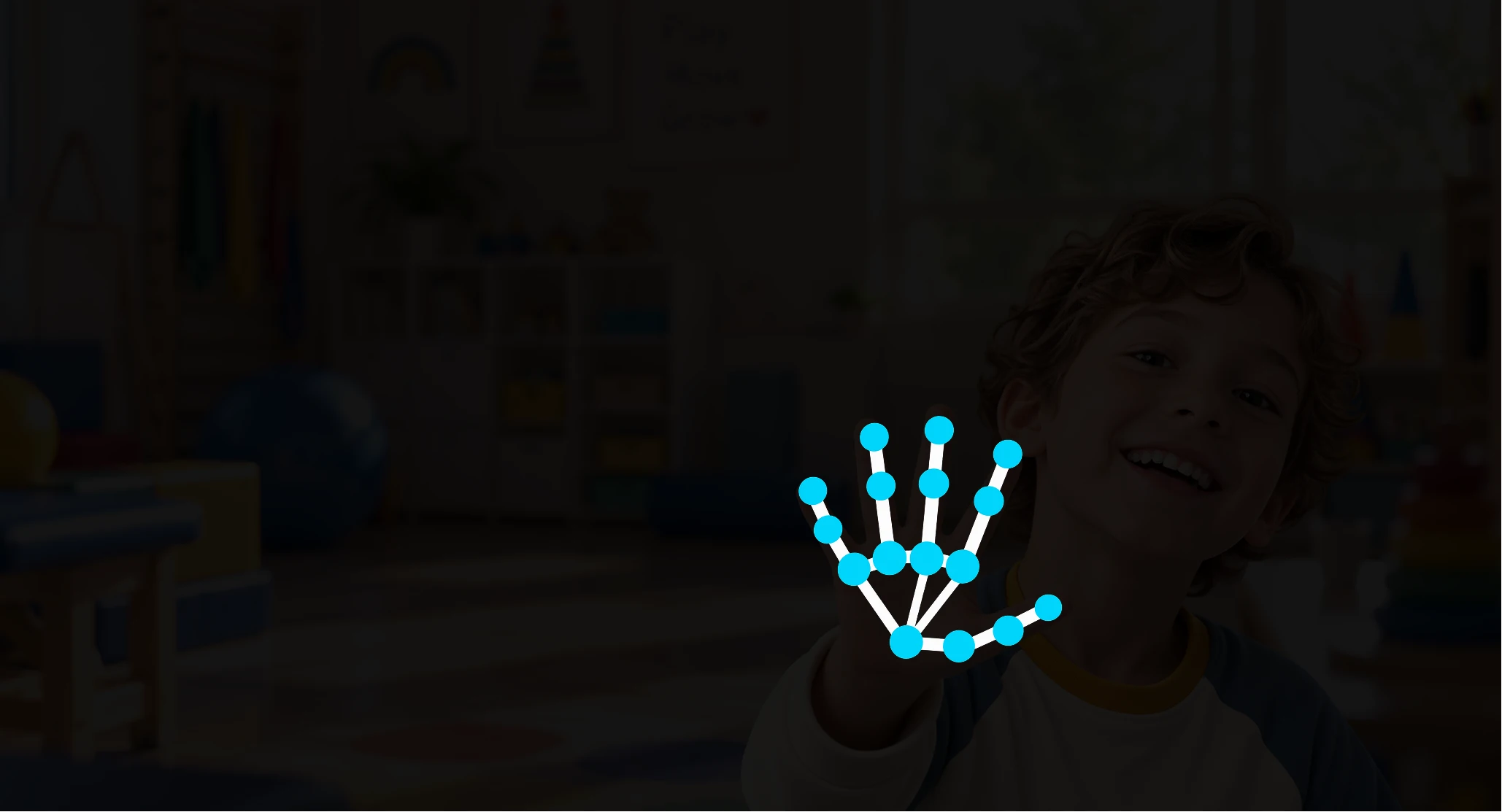
Hand coordinates for better movement recognition.
We collect only hand coordinates to improve movement recognition. Names, ages, facial data, and video are not collected or stored.
Before your team starts
What would a pilot involve?
Bring one typical session. We’ll discuss the children you work with, your devices, and what you want to explore.
- Review the setup.
Share the device model and OS version, camera position, and how you would use the activity.
- Agree on the scope.
Discuss who would take part, the support your team needs, and what you would review together.
- Plan the next step.
Use the conversation to work through fit, support, and pricing for your setting.

Why GemGem began
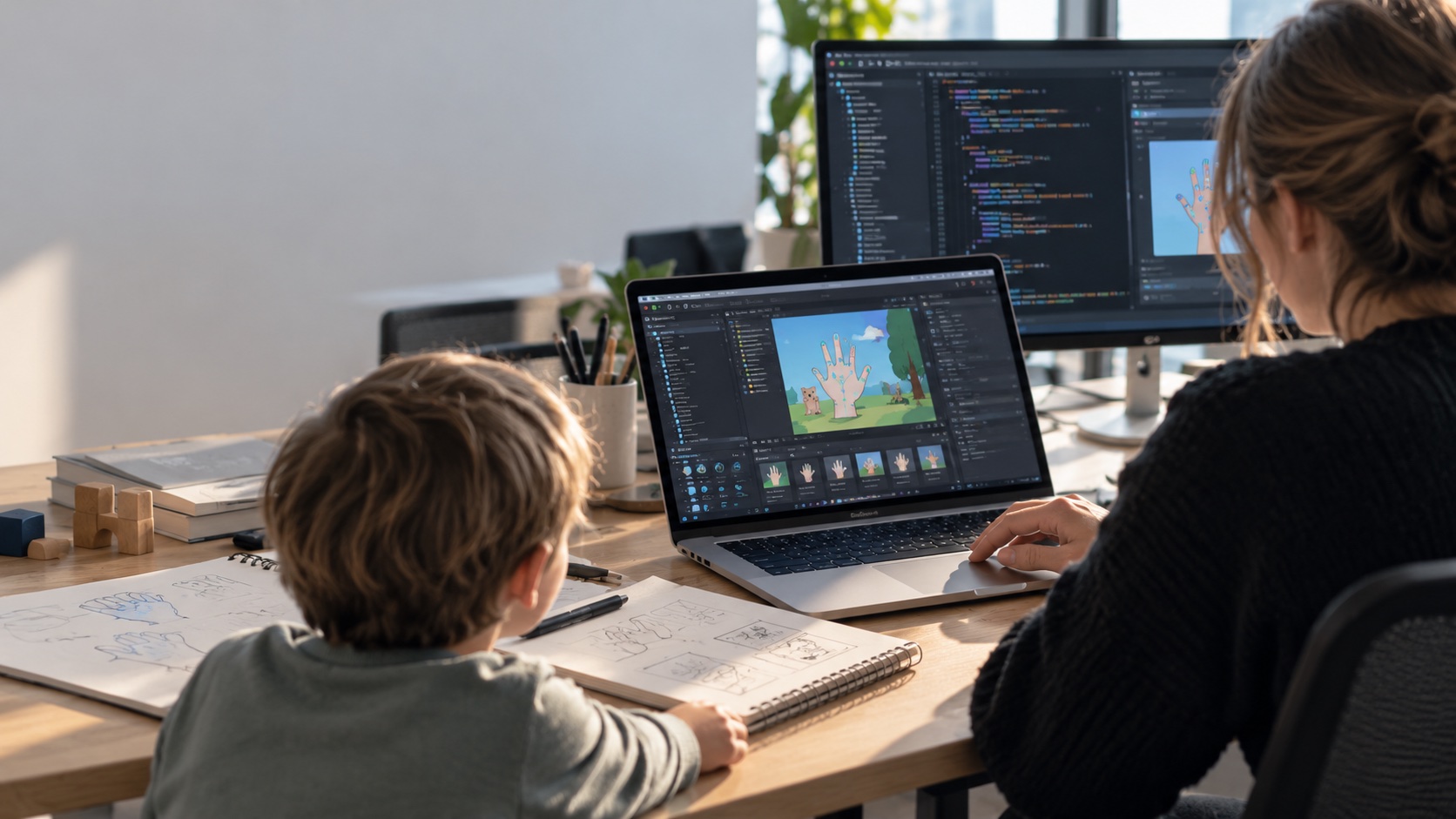
Created by a CEO. Built for her own child with CP.
GemGem’s CEO created the product for her own child with cerebral palsy.
That personal commitment guides how GemGem develops its products and works with therapy teams. The next conversation starts with your team’s goals and the children you work with.
Let’s explore what GemGem could look like in your setting.
This page is a starting point. A 15-minute conversation lets us go deeper into your team’s goals, sessions, and setup.
Tell us a little about your organization and what you’d like to explore. Before we meet, we’ll review your organization and the details you share, so we can come prepared for a conversation specific to your setting.
Questions provider teams ask before trying GemGem400.
Can we use an iPad or another institution-owned device?
The current app is built for iOS and Android devices with a front-facing camera. Bring the exact device model and OS version so compatibility and IT approval steps can be confirmed before an evaluation.
What about left-hand, right-hand, or bilateral use?
You can set GemGem400 to track the left hand, the right hand, or both hands depending on the child and session goal.
Will it recognize every hand shape or range of motion?
Recognition varies by child, involuntary movement, and camera position. You can choose from four recognition grades (Easy, Good, Great, Perfect) to test fit.
What video or movement data is stored or transmitted?
The front-facing camera detects hand landmarks on the local device during gameplay. We review exact data flow, storage, and privacy documentation with each team before any evaluation.
Can we export data or connect it to a research system?
Standard clinic use does not require data export. Research or institutional integrations can be discussed during an intro call.